Shell Drop 5.2.2 adds full iPhone Duo support, closed and open. It is available now on the App Store.
On the open Duo the app runs edge to edge on the big inner display. The terminal picks a larger font from the window width, and Tmux resizes once per fold or unfold, in one step.
Home, Launchpad and Settings keep a readable column on the wide inner display.
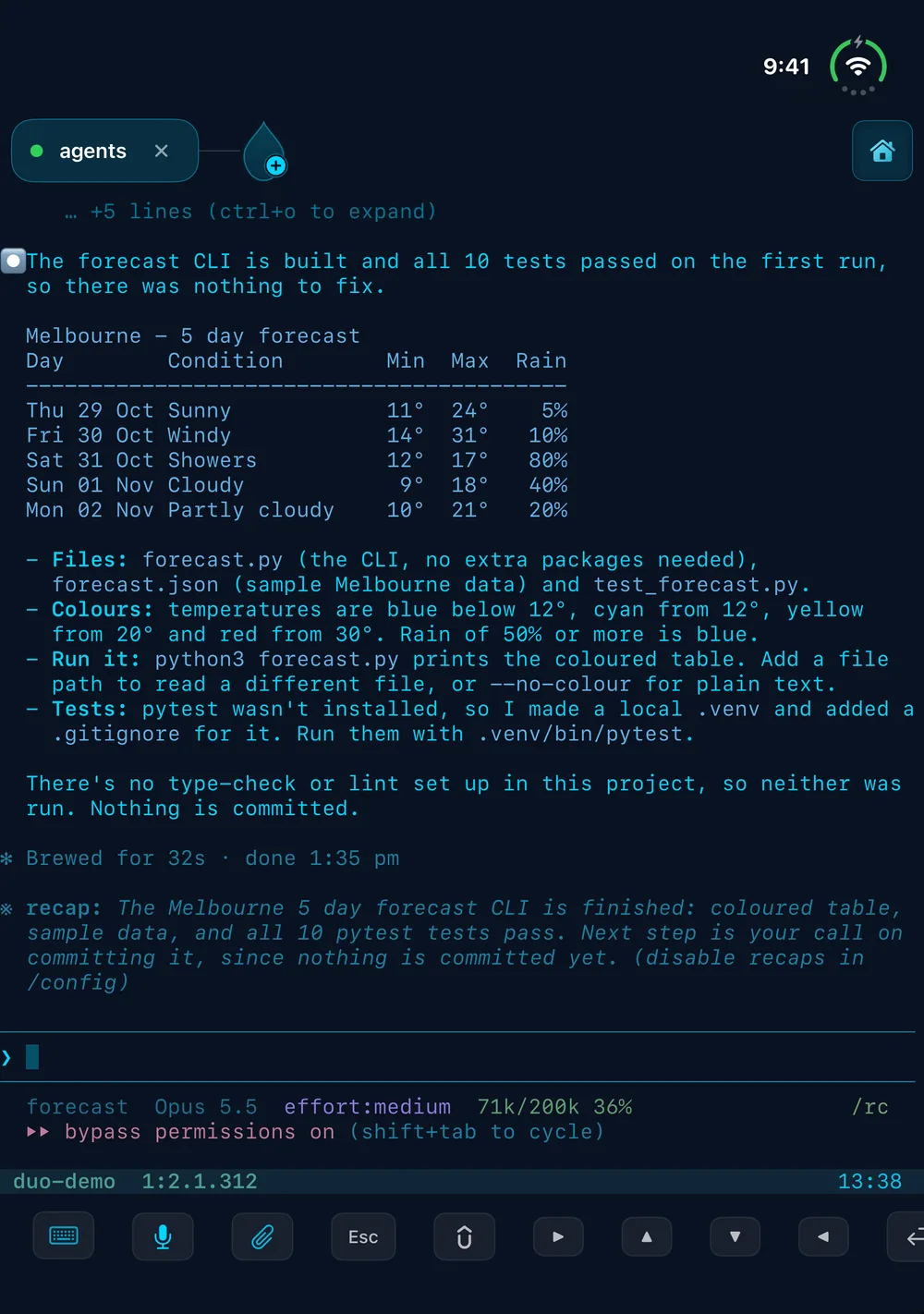
On the outer display everything stays centred and clear of the status bar column on the Duo's right edge.
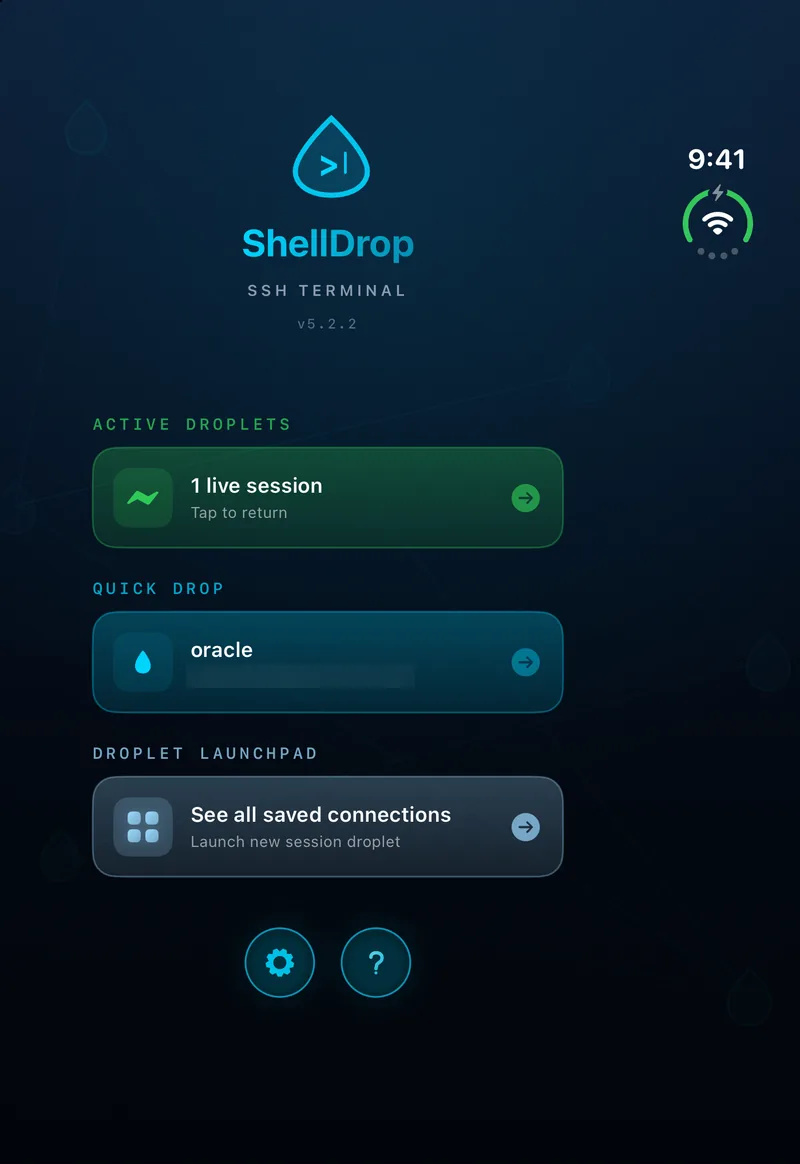
Shell Drop is still free, with no account, and SSH keys can live in the Secure Enclave. It is built for running AI coding agents like Claude Code and Codex over SSH in Tmux, and that works the same on the Duo.
Claude Code on iPhone covers the agent setup, and it carries over to the Duo unchanged.
On an iPad, the terminal app for iPad page covers Magic Keyboard, trackpad and Tmux.
The terminal app for iPhone Duo page has the full rundown.
5.2.4 followed on 3 November. On the closed Duo the system icons sit across the top, so the terminal uses the full width of the outer display, roughly 22% more columns. On the open Duo in landscape, two sessions sit side by side, one per page, meeting at the hinge, and each page has its own tabs. Shell Drop 5.2.4: two pages on the iPhone Duo covers that release, and how we stress test Shell Drop on the iPhone Duo covers the folding, rotating and switching each build goes through before it ships.
If something looks off closed or open, send a bug report or feature request from the homepage. It comes straight to me.
Shell Drop is on the App Store. Universal iPhone and iPad, iOS 17+.