
Terminal app for iPhone, built for AI agents.
Shell Drop is a fast, native terminal and SSH client for iPhone. Connect to your Mac mini, VPS, or any box you can SSH into, attach to Tmux, and steer Claude Code, Codex, Grok, Hermes, OpenClaw or opencode from wherever you are.
Free, with no subscription, no account and no telemetry. Native on iPhone, with full support on iPad and iPhone Duo. A macOS app is coming soon.
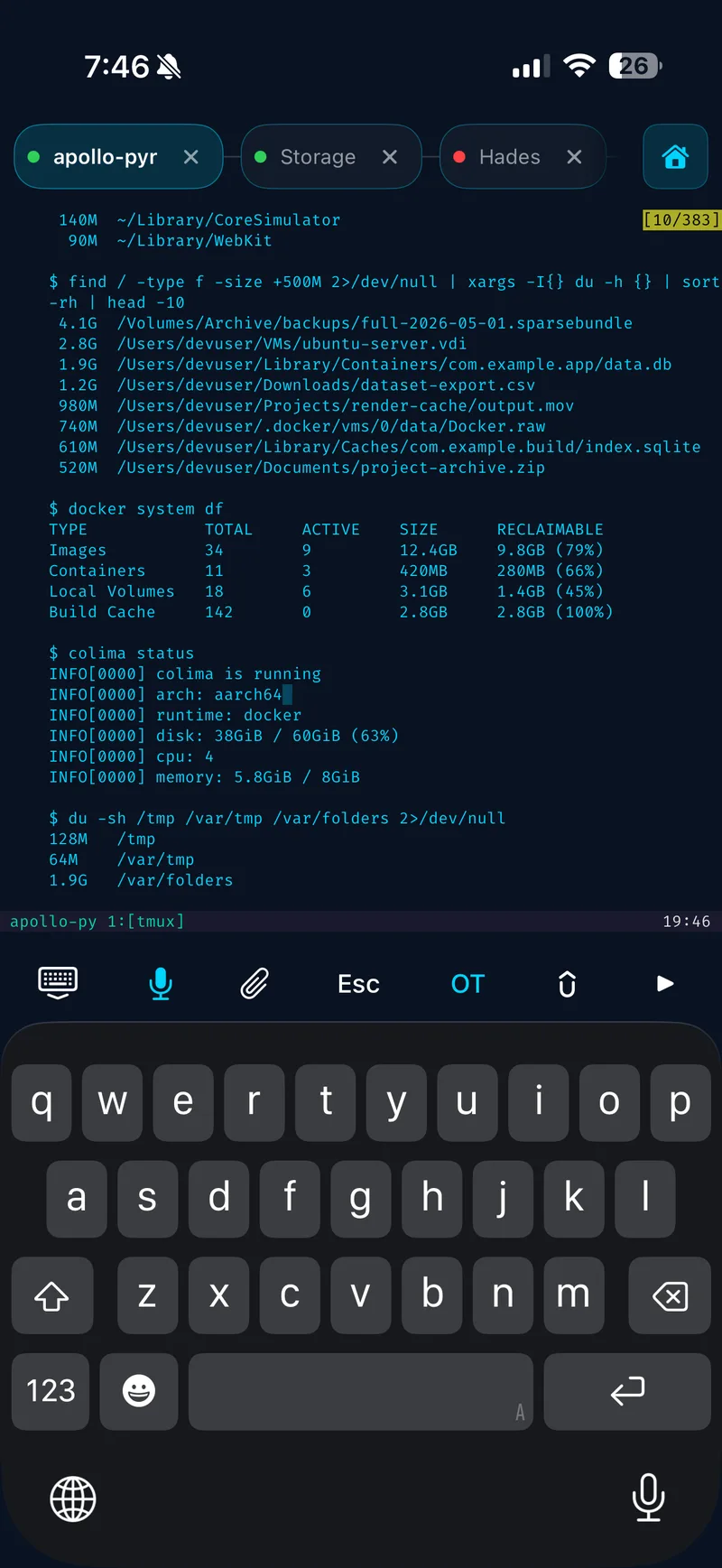
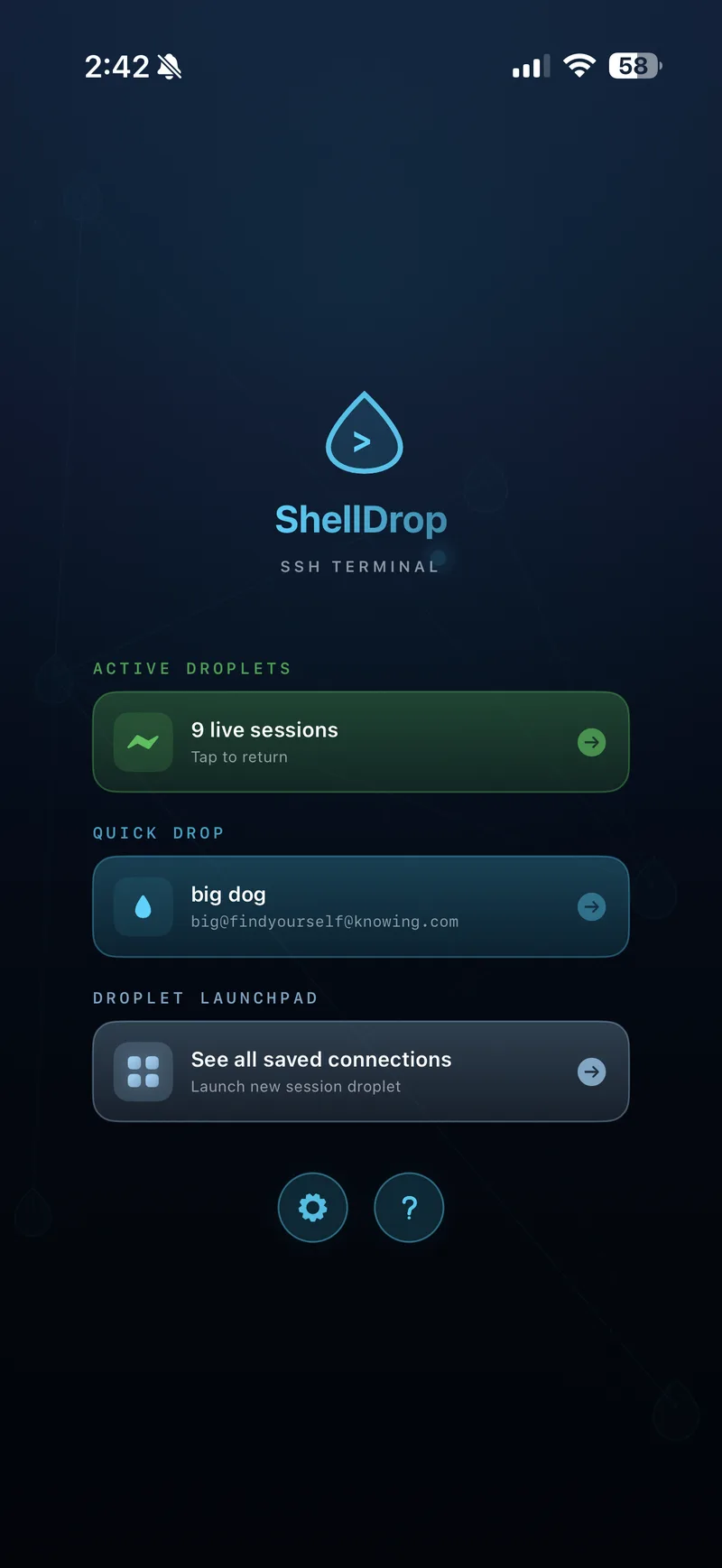
SSH from your iPhone to a headless box.
A typical setup: a headless Mac Mini agent operating system or a VPS does the work, and the iPhone reaches it over SSH, often via Tailscale, so the connection holds wherever you are. Tap a saved connection and you are on the box.
Pick password or key per saved connection. Host keys are pinned on first use, and if a key changes later, Shell Drop blocks the session and shows the mismatch. Background sessions keep running while you use other apps.
Check on them, steer them, move on.
Shell Drop is designed around one loop: open the session, read what happened, say what's next. Run Claude Code in a Tmux session on the headless machine, then SSH in from the iPhone to read what it did and send the next instruction. The Claude Code on iPhone guide covers the full setup.
Tmux gestures
Vertical swipe scrolls history. Horizontal swipe changes sessions. Tab names sync from Tmux on their own.
Paste screenshots
Copy from any app, or multi-select straight from Photos. Your agent reads them on the server.
Attach a file
Pick a file from Files, or a photo or video from your library. It uploads over SSH with the path dropped at the prompt.
Agent to clipboard
Ask the agent to write the email, then say "copy that to my clipboard". It lands on your phone, ready to paste.
Text selection mode
A dedicated selection mode button, plus long-press to select a word. Grab an ID or a stack trace cleanly.
Tap a link, it opens
Links in terminal output open with one tap, even when the keyboard is down.
Sticky Ctrl and Esc
Sticky Ctrl, Esc, arrows and a detach control sit on the toolbar. Ctrl then B sends the Tmux prefix.
Your toolbar
Tap and hold to rearrange the keys you use most, and create your own Tmux-aware key bindings.
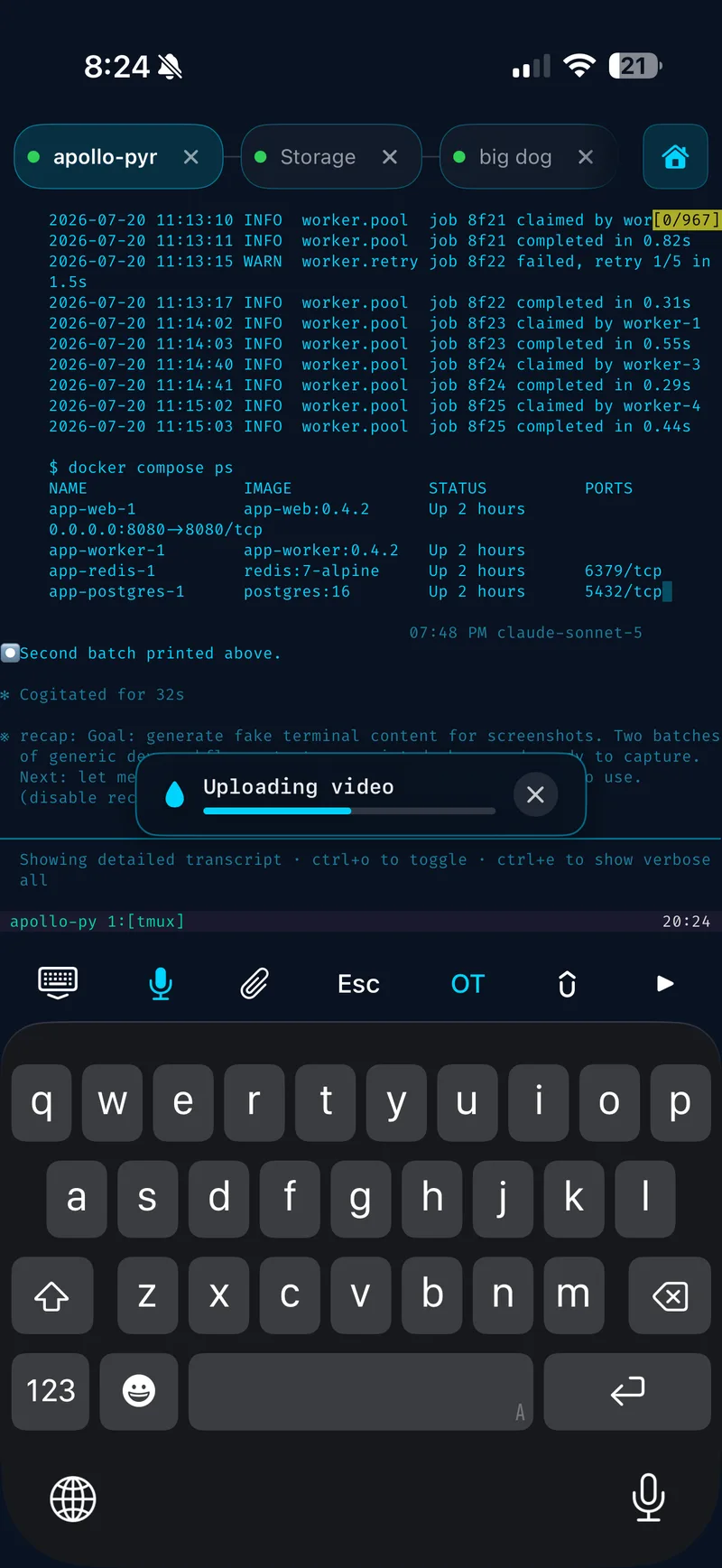
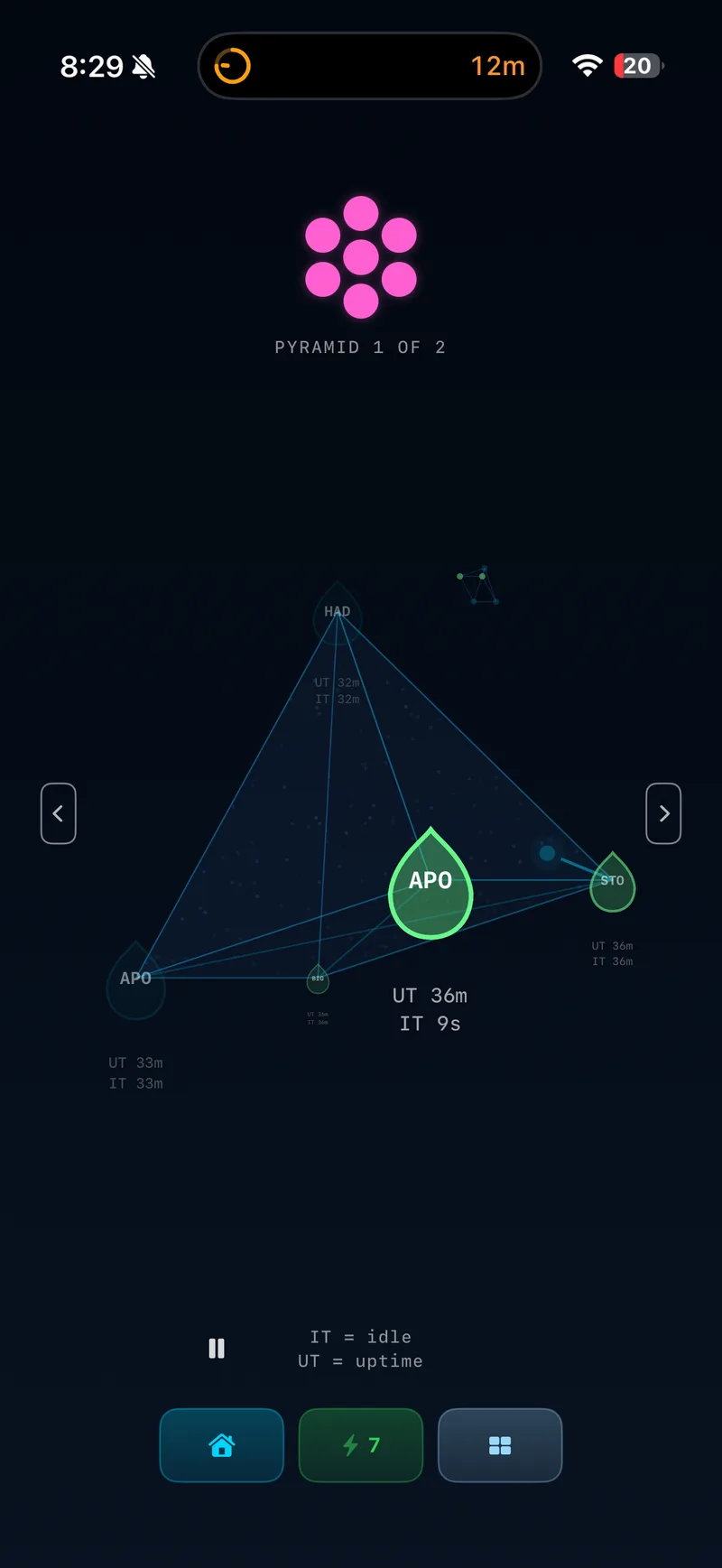
You talk, the agent builds.
Voice Drop is the built-in mic on the keyboard toolbar. Tap it, talk, and your words drop into the prompt at the cursor. Transcription runs on-device with Apple speech by default, so it costs nothing and your audio stays on the phone. Add your own Groq API key and Voice Drop switches to whisper-large-v3-turbo. Nothing sends until you hit Return.
Already dictating with a voice keyboard like Wispr Flow or Willow Voice? Shell Drop works with those too.
The agent stops, your phone tells you.
A live activity on the lock screen and in the dynamic island, one card per server, one row per Tmux session. When an agent stops at a prompt or waits on an approval, its row turns orange and reads Needs you. Home screen and lock screen widgets show the same. Off by default; turn it on in Settings > Agents > Agent needs you.

Keys that never leave the chip.
Generate Ed25519 keys or hardware-backed keys in the app via Apple's Secure Enclave, or paste-import your existing OpenSSH keys. With Secure Enclave, the private key never leaves the chip. Passwords live in the iOS keychain on your device.
Turn on SSH agent forwarding for a connection and the server can use your keys to reach GitHub or another server, approved with Face ID on the phone and no keys left on the server. iCloud sync carries connection details across your devices and leaves private keys and passwords out. There is no account, no telemetry and no analytics. Read the security page for the detail.
From install to Tmux in three steps.
- Install Shell Drop from the App Store and add a saved connection to your Mac mini, VPS or any box you can SSH into.
- Tap the connection, then attach to Tmux on the server. For swipe scrolling, add
set -g mouse onto the server's~/.tmux.conf. - Start Claude Code, Codex or your agent of choice in the Tmux session, and steer it from the iPhone.
Terminal for iPhone, answered.
Tap to expand. See the full FAQ for everything else, or the best SSH client for iPhone and iPad roundup to compare apps.
Is there a terminal app for iPhone?
Yes. Shell Drop is a native terminal emulator for iPhone with a real SSH client underneath. It renders full terminal output, supports Nerd Fonts, and attaches to Tmux sessions on any Mac mini, VPS or box you can SSH into. It is free, with no subscription.
Is Shell Drop an SSH client for iPhone?
Yes. Shell Drop is an SSH client and terminal for iPhone. Pick password or key per saved connection, generate Ed25519 or Secure Enclave keys in the app, or paste-import your existing OpenSSH keys. Host keys are pinned on first use.
Does the iPhone terminal support Tmux?
Yes. Vertical swipe scrolls history. Horizontal swipe changes sessions. Tab names sync from Tmux on their own. Sticky Ctrl, Esc, arrows and a detach control sit on the toolbar. Tmux scrolling needs set -g mouse on in the server's ~/.tmux.conf.
Can I run Claude Code from my iPhone?
Yes. SSH into a Mac mini or VPS from your iPhone, attach to the Tmux session running Claude Code, Codex, Grok, Hermes, OpenClaw or opencode, and steer the agent from the terminal. See Claude Code on iPhone and the Mac Mini agent OS guide.
Will my session stay alive when I switch apps?
Yes. Background sessions keep running while you use other apps. Toggle in Settings if you want to turn persistence off.
Is Shell Drop a free terminal for iPhone?
Yes. Shell Drop is free. Every feature ships in the app. There is no subscription and no account. If you choose the Groq voice engine you bring your own key; the on-device engine costs nothing.
The terminal app for iPhone.
Free. No subscription. Every feature ships with the app.
Download on the App Store